







Recipes
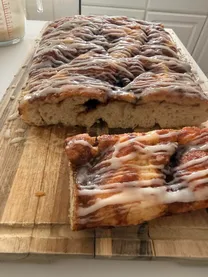
Brown butter cookiesSummary · 9 ingredients
 KeepScrollDownload NowNotify me on Android
Meet KeepScroll.
The Reel recipe, the X thread, the trip pin: all in one place. KeepScroll watches and reads for you, organizes by subject, and answers whatever you ask, always with the source.
3 free analysesNo adsFor iPhone
Works with Instagram, TikTok, YouTube, X, Reddit, LinkedIn, Facebook, Threads, Pinterest, Kwai, Bluesky, and any website








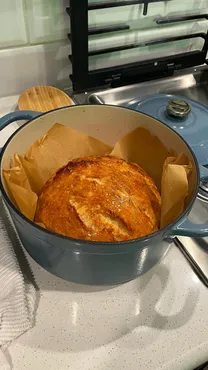








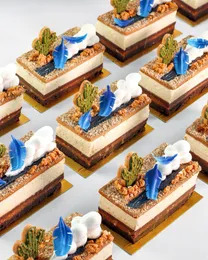







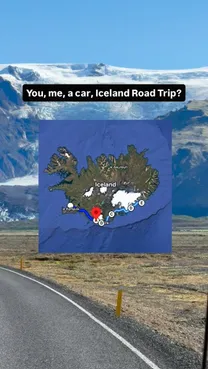
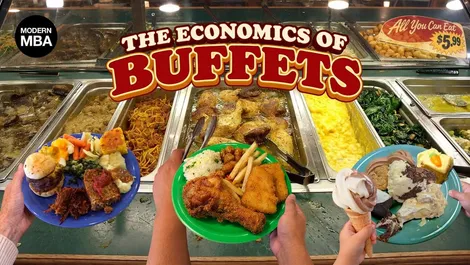






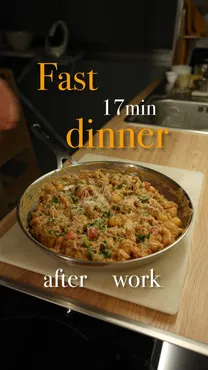
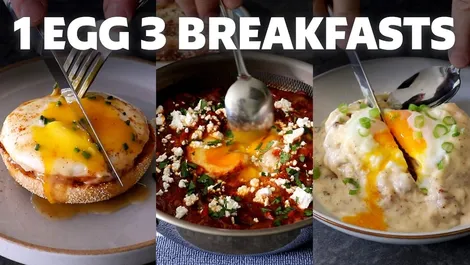

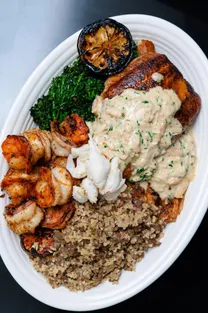





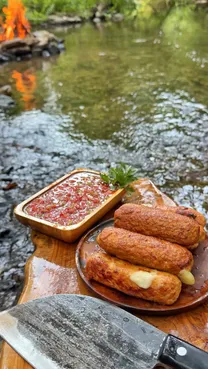



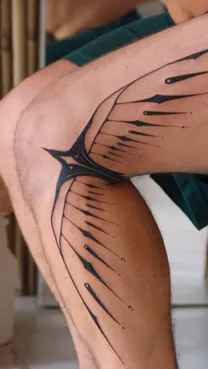

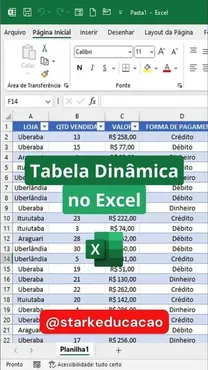

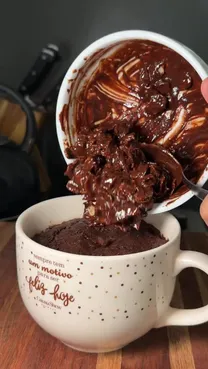
















Saw something good on any network? Tap Share and choose KeepScroll. The link is saved instantly, even without internet, and the analysis starts without you opening the app.
Share the post through the network's app and choose KeepScroll, or paste the link.
New sources arrive directly in the app, without updating through the App Store.
KeepScroll watches and reads for you, and each item lands on its own in the right collection. When it's time to find it, search by what was said in the video or written in the post, not just by the title.
The chat answers only with what you saved, brings together videos and posts from different networks, and shows where each piece of information came from. When it's not in your library, it says so.
Real questions and answers from the KeepScroll chat, about public content saved in test accounts.
What did I save about the Artemis II mission?
Searching your library…
You saved three items about the Artemis II mission: a Threads post with photographs from the mission, an Instagram post with the view of Earth from the Orion capsule, and a video on X about the separation of the Orion spacecraft.


Do you want me to compare the Earth images from the Threads post with those from Instagram?
Based on 3 saved items
Which recipes I saved can be made in the microwave?
Searching your library…
Two saved recipes are made in the microwave: the crunchy mug cake and the cinnamon roll mug cake.


Crunchy mug cake
Cinnamon roll mug cake
The other saved recipes (Nescau brownie and cookies) are oven-baked, not microwave.


Do you want me to put together the shopping list for both mug recipes together?
Based on 4 saved items
What was that video of the grain of sand on the fingertip?
Searching your library…
It's the video First image from James Webb, from the profile pedroloos: the host compares the area of the sky photographed by the telescope to a grain of sand on the fingertip with the arm extended.

0:00 On the tip of my finger there's a grain of sand, it's quite small and you can't see it from there.
What the video shows:
If you want, I can show you the scene details or compare them with the First images of Venus's surface ones you saved.
Based on 1 saved item
Is there any lasagna recipe in my saves?
Searching your library…
I didn't find any lasagna recipe in your saves.
What came up for pasta was the baked pasta with feta cheese, which is a baked cavatappi pasta recipe, not lasagna. Among your recent saves there are also other oven recipes and sweets, like the crunchy mug cake, the brown butter cookies and the Nescau brownie with a crackly top.


If you want, try searching for terms like "lasagna", "fresh pasta" or "white sauce" — or save the lasagna recipe when you find it.
Do you want me to show you the step-by-step for the baked pasta with feta cheese?
Based on 4 saved items
Choose what you save the most and see what KeepScroll pulled from a real public video or page: the summary, the recipe, the workout or the places, the search for what was said and the chat response.
Choose one to see a real example.

Summary
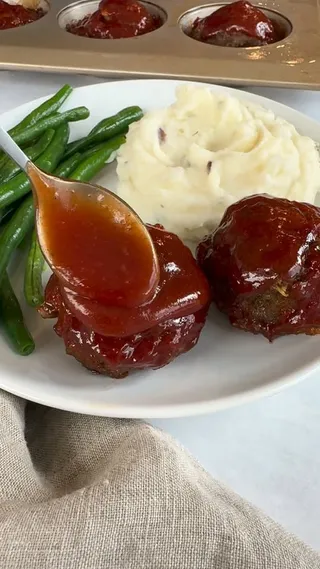
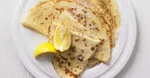
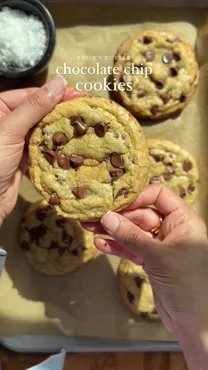
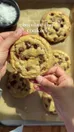
The video teaches how to make chocolate cookies with brown butter.
The steps shown include: toasting the butter in cubes in the pan until it turns amber, pouring it into a bowl with brown sugar, granulated sugar and vanilla extract, whisking with a whisk, adding an egg and mixing again, adding the flour with baking soda and salt, folding in semisweet chocolate chips, portioning the dough with an ice cream scoop onto a lined baking sheet and baking until the edges are golden.
Ingredients 9

Summary
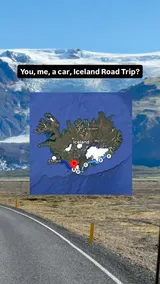
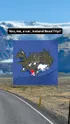
The author recommends a six-day itinerary along the south coast of Iceland divided into three stages:
on Days 1 and 2, visits to the Golden Circle and waterfalls (Þingvellir National Park, Geysir geothermal area, Gullfoss, Kerið Crater, Skógafoss, Gljúfrabúi and Seljalandsfoss); on Days 3 and 4, the Vík and Skaftafell region (Reynisfjara Black Sand Beach, Dyrhólaey cliffs, Vík Church viewpoint, DC-3 Plane Wreck, Eldhraun Lava Field, Svínafellsjökull Glacier and Svartifoss); on Days 5 and 6, heading east to Höfn and surroundings (Fjaðrárgljúfur Canyon, Jökulsárlón Glacier Lagoon, Diamond Beach and Vestrahorn).
Places 10
And 4 more places in the item.

Summary
The article presents a routine of gentle physical exercises to be done seated in a firm chair without armrests.
The instructions include prior precautions, correct posture and the step-by-step of stretches and movements for the chest, trunk, hips, ankles and neck, indicating sets and repetitions to increase mobility safely.
Workout 0 of 5
Summary
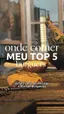
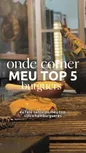
Ranking with the top 5 burger joints in São Paulo according to the creator:
5th place for La Borratxeria, where the base is bread and meat and she adds prato cheese and chimichurri; 4th place for Bark & Crust, with a dry aged burger, American cheese, homemade mayonnaise and a smoky flavor; 3rd place for Chimichurri Parrilla, simple and well made on the parrilla with caramelized onion; 2nd place for Z Deli, with absolute highlight for the Mineta sandwich; and 1st place for Grindhouse, where you sit around the parrilla and the favorite order is the rib burger.
Places 5
Transcript
Summary
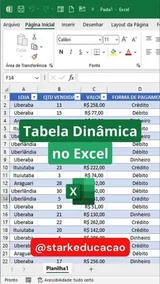
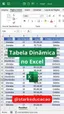
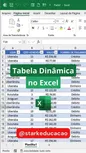
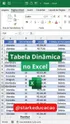
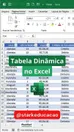
The video explains the step by step to create a pivot table in Excel from a sales base formatted as a table, with the goal of obtaining the total sold per store:
1. Click on any cell of the data table.
2. Go to the 'Insert' tab and choose the 'Pivot Table' option.
3. Confirm the creation of the pivot table in a new worksheet by clicking 'OK'.
4. In the 'PivotTable Fields' panel, drag the 'Store' column to the 'Rows' area.
5. Drag the 'Value' column to the 'Values' area, which automatically calculates the 'Sum of value'.
6. Adjust the formatting of the generated numbers to the accounting format to display the consolidated revenue per store.
Transcript
Summary
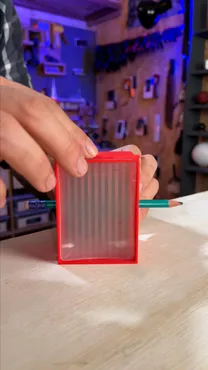
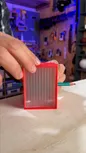
The video explains how an invisibility lens (lenticular lens) works, demonstrating how it spreads light only on a horizontal axis.
The presenter shows that a dot becomes a line, adjacent colors blend in the center and incomplete strokes appear to join. When rotating the lens perpendicularly to a line, the image dissipates to the point of disappearing; thus, strokes or pencils parallel to the grooves disappear, while perpendicular ones remain visible.
Transcript

Summary
The video explains the first deep field image captured by the James Webb Space Telescope, which shows a cluster of galaxies 4.6 billion light-years from Earth, portraying the universe as it was at that same time.
The portion of the sky observed is equivalent to the size of a grain of sand on the tip of a finger with the arm extended. While James Webb took about 12 hours to capture this image, the Hubble Space Telescope needed two weeks to record a similar area.
Transcript

Recipe · 1/2 cup (79g) of light brown sugar
Which ingredients go into the browned butter cookies?
Searching your library…
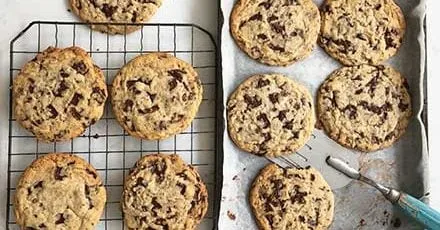
The browned butter cookies contain unsalted butter, light brown sugar, granulated sugar, egg, vanilla extract, all-purpose flour, baking soda, salt, and semisweet chocolate chips.
Ingredients (exact measurements)
The recipe also suggests adding more chocolate chips on top before baking, if desired.
Based on 1 saved item
Summary · …Golden Circle and waterfalls (Þingvellir National Park, Geysir geothermal area, Gullfoss, Kerið Crater…
What are the stops for days 1 and 2 of the itinerary?
Searching your library…
On Days 1 and 2, the itinerary covers the Golden Circle and waterfalls, with these stops:
Would you like me to also list the stops for Days 3 and 4?

Based on 1 saved item

Summary · …gentle physical exercises to be done sitting in a firm chair without arms…
How many repetitions of each exercise?
Searching your library…
The routine of Seated exercises for mobility — nhs.uk indicates the repetitions for each movement:
The page also advises doing these exercises at least twice a week and gradually increasing the repetitions.
Would you like me to put together a checklist with these sets for you to follow during the routine?

Based on 1 saved item

Summary · …and 1st place for Grindhouse, where you sit around the parrilla…
What are the burger places in that top 5 in São Paulo?
Searching your library…
The top 5 burger places in São Paulo from the saved video are, from 5th to 1st place: La Borratxeria, Bark & Crust, Chimichurri Parrilla, Z Deli and Grindhouse.
The ranking, with the highlights
In the caption, the creator writes:
"My top 5 burgers here in São Paulo 👀". The video cover shows a burger joint setting with meat and melted cheese and bread on a smoking grill, with the text "where to eat MY TOP 5 burgers".
Want me to put together a list so you can mark which of these burger places you've already visited?

Based on 1 saved item
Speech · …let's see how to create a pivot table here in Excel…
How do I make the pivot table?
Searching your library…
The step-by-step in the video is this:
In the video, the example is a sales base already formatted as a table, and the goal is to know the total sold per store. On the cover there's a spreadsheet with the columns Store, Qty Sold, Value and Payment Method.
Want me to put together a checklist with these 6 steps for you to follow while you watch?

Based on 1 saved item
Speech · …this invisibility cover is a lens that blends the images…
How does the lenticular lens spread light?
Searching your library…
The lenticular lens spreads light horizontally, blending the images from right to left and from left to right.
What this does in practice
The secret of invisibility
When the lens is turned the other way, the line disappears, because its image is being spread along the lens. That's why, in a cross, the horizontal line stays visible and the vertical doesn't, since it was spread out.
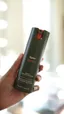
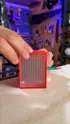
On the cover, a hand holds a red box with a translucent ridged lens, through which a green pencil passing through has its center "disappeared".
Do you want me to detail the demonstrations in the order they appear in the video?

Based on 1 saved item

Speech · …the James Webb Space Telescope took a photo of a region of the sky…
Which area of the sky did James Webb observe in this image?
Searching your library…
The observed area is equivalent to the size of a grain of sand on a fingertip with the arm extended.
The video shows the presenter pointing his index finger up to compare this scale, and highlights that James Webb photographed a region of the sky of that same size.
Do you want me to compare the capture times of James Webb and Hubble in this image?
Based on 1 saved item

Save the first one via Share. The first 3 analyses are free.
Drag to compare.




Gather the trip, the week's recipes or the restaurants to try and invite whoever's coming along via a link. The notes stay each person's own.

When KeepScroll learns to read a new network, it appears in the app right away, without updating.
Ask which cookie bakes faster or which place is closer: the chat compares side by side and cites each one.
| Cookie | Oven | Time |
|---|---|---|
| nick.digiovanni | 375 °F | 8–10 min |
| iramsfoodstory | 180 °C | 12 min |
| Good Food | 180 °C | 8–10 min |
The summary, the recipe and the workout arrive in English. The transcript stays in the original language.

The ingredients are ready to copy and send to whoever goes to the market.
Each exercise becomes an item. You check it off while you train.
Workout 2 of 5
The places mentioned open directly in Maps. Like the 5 burger joints from this TikTok.
Who to go with, what to try, why you saved it. The chat uses the note to find the item later.
Write something just for yourself: who to go with, what to try, why you saved it…
Only you see it. The chat uses your note to find this item.Send someone a card with the cover and what's inside the content.

We notify you when the first items are ready. Never one notification per item.

The author recommends a six-day itinerary along the south coast of Iceland divided into three stages:
KeepScroll doesn't sell your data or use it for ads. The video isn't stored: only what was cataloged and the cover image remain.
The link is saved on the iPhone right away. Analysis starts when the connection comes back, without you doing anything.
The app follows the iPhone's language, and the chat replies in the language you write in.
KeepScroll watches, summarizes and answers for you.
A library that understands what you saved
The trial starts inside the app, through your Apple account, on the annual plan: 7 days free and then R$ 149.90 per year. Auto-renewal; cancel anytime.
Without Pro: 3 free analyses and, after that, your links stay saved without analysis. The chat is Pro-only.
An app for iPhone where you save everything you find on social media and the web: videos, posts and pages. It watches and reads for you (summary, transcript when there's speech, recipes, workouts and places), organizes everything on its own into collections by subject and, later, you search for what was said and ask the chat anything you want about what you saved.
From Instagram, TikTok, YouTube, X, Reddit, LinkedIn, Facebook, Threads, Pinterest, Kwai, Bluesky and any public web page. Reels, videos, Shorts, text posts, photos and videos, pins, X threads and long Reddit posts. Private or adult content, or content that requires login, is not accessed.
In the social app or in Safari, tap Share and choose KeepScroll. The link goes to your library right away, even without internet, and analysis starts without you opening the app. You can also paste the link inside KeepScroll.
No. It answers only with what's in the contents you saved and shows which video, post or page each piece of information came from. When the answer isn't in your library, it says it didn't find it instead of making it up.
You can. Create a folder, gather the items (the trip, the week's recipes, the ideas for a project) and invite by link. Whoever joins sees the items with the summary and the source and can add their own; notes stay only with whoever wrote them. You can leave, remove someone, turn off the link, report and block at any time.
No. The summary, the transcript, the recipe, the workout and the places stay in the item. If you want to watch it again, one tap opens the original on the social network.
It works. The summary, the recipe and the workout arrive in English, and the transcript stays in the original language. The app is also in Spanish and Portuguese, and the chat replies in the language you write in.
You start free, with 3 full analyses. After that, the links stay saved, waiting. Pro analyzes up to 100 new contents per week and unlocks the chat, with 7 days free on the annual plan.
The trial starts inside the app, through your Apple account, on the annual plan. It's 7 days without paying anything; after that, R$ 149.90 per year. You can cancel in the iPhone Settings at any time, including during the trial.
Contents are analyzed by third-party AI services and videos aren't stored: only what was cataloged and the cover image remain. Your notes are private. KeepScroll doesn't sell your data or use it for ads.
Not yet: for now, KeepScroll is only for iPhone. The Android version is on its way; on an Android phone, the download button on this site saves your email so we can let you know at launch.
Save everything. Find it easily. Ask anything.
3 free analysesPro with 7 days freeAndroid coming soon